How it works
From lived-in photo to listing-ready room.
Room Reset turns the access you have today into a clean room view you can review for the next listing.
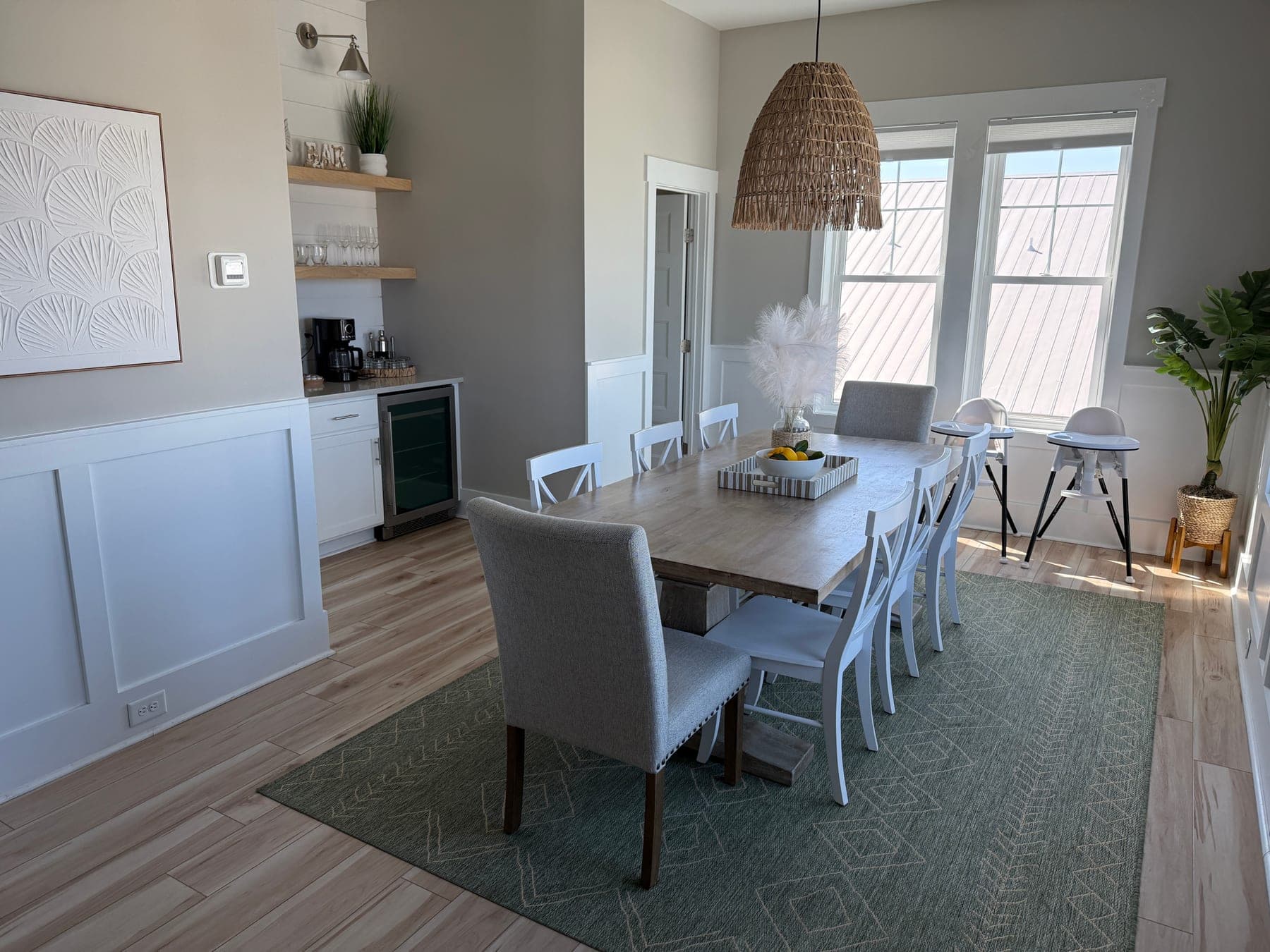
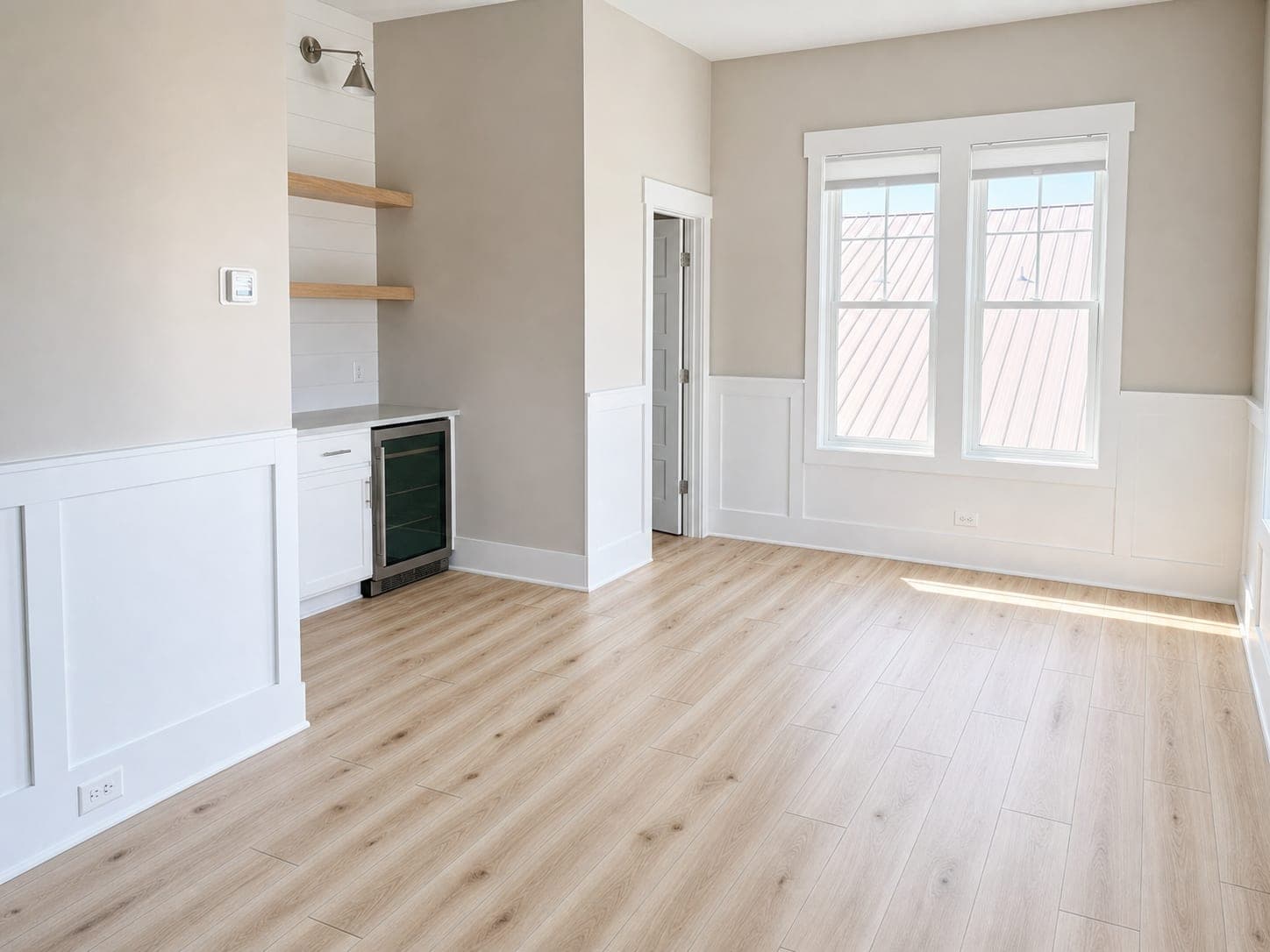
Dining Area Reset
Clears a furnished dining nook while preserving the fireplace, shelves, windows, and camera angle.
Upload the room you have
Use a current phone photo from a walkthrough or approved access window. One image or a batch of up to 25 works.
Choose Room Reset
Turtl clears movable furniture, personal decor, and clutter while preserving permanent property features and perspective.
Review before publishing
Compare the reset with the original, inspect architectural details, retain both versions, and apply the disclosures your channel requires.
Pick the right edit
Start with the listing problem, not a feature menu.
Room Reset
Best for: Occupied, cluttered, or furnished room
Clear movable belongings first.
Photo Polish
Best for: Room already looks presentable
Improve light, alignment, color, and smaller distractions.
Virtual Staging
Best for: Room is genuinely empty
Add disclosed furniture and decor for context.
Review is part of the workflow.
Inspect windows, doors, openings, flooring, cabinets, fixtures, views, proportions, property condition, and camera angle against the original.
Trust and disclosureKeep the source and result together.
Your Turtl gallery keeps the original and edited image available for comparison. Download the reviewed result only after it meets the quality and disclosure bar for the destination.
For API partners, result records include alteration and disclosure fields for downstream review.